
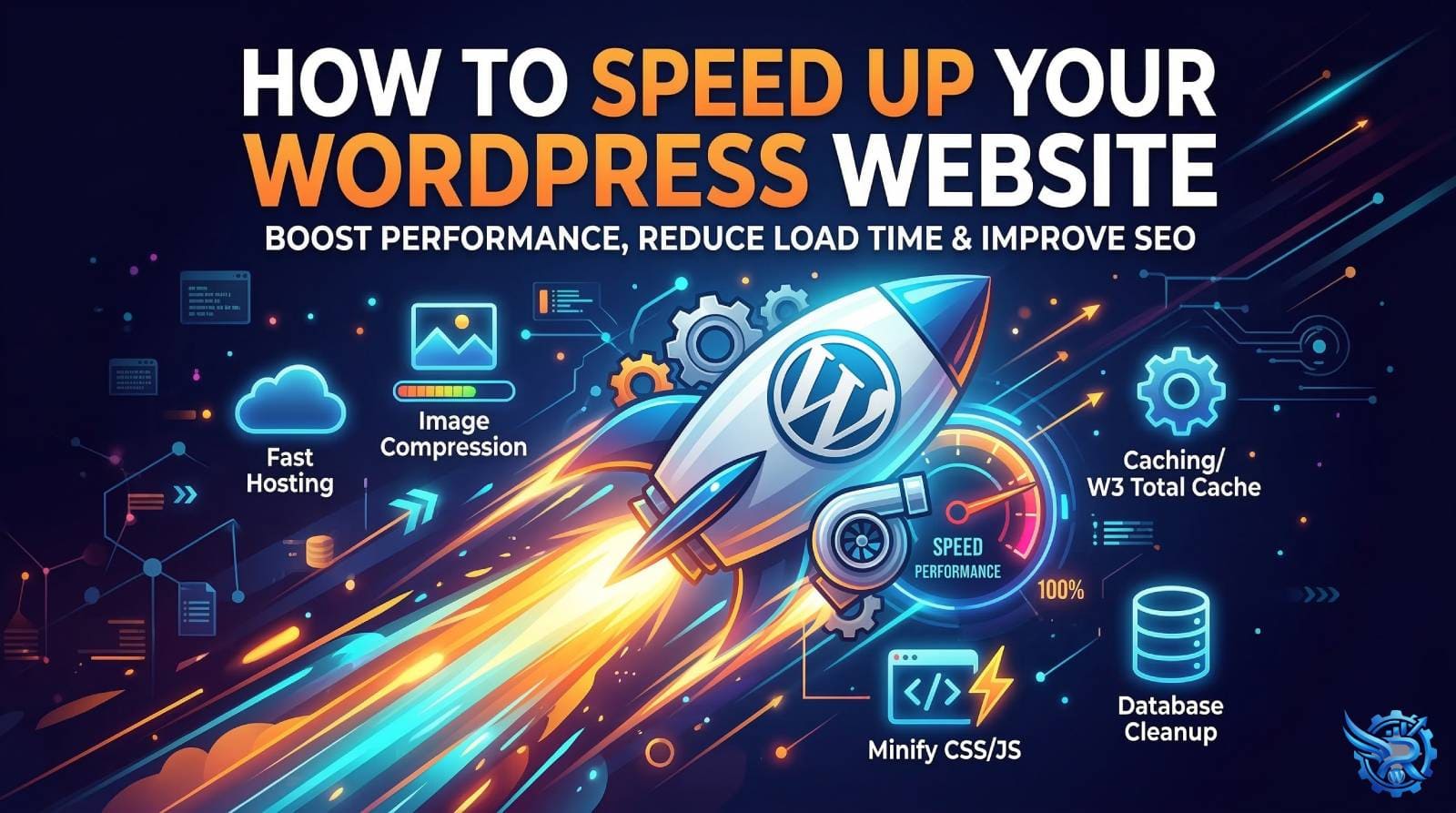
Nobody likes a slow website. If a page takes more than 3 seconds to load, you risk losing over half of your visitors. Beyond just user experience, website speed is a crucial ranking factor for search engines like Google.
If you want to boost the speed and overall performance of your WordPress website, follow these highly effective steps:
Choose High-Quality Web Hosting
Your website’s speed relies heavily on your hosting server. While cheap shared hosting might seem appealing at first, it often leads to sluggish performance as your traffic grows. For the best speed and security, investing in Cloud Hosting or Managed WordPress Hosting is the smartest move.
Use a Lightweight Theme & Optimize Your Page Builder
Heavy, bloated themes are one of the most common reasons for a slow website. Always opt for lightweight, performance-focused themes like Astra, GeneratePress, or Hello Elementor.
If you are using a page builder like Elementor, be mindful of performance. Avoid overloading your pages with unnecessary widgets and heavy third-party addons. Make sure to enable Elementor’s built-in performance features, such as “Optimized DOM Output” and “Improved CSS Loading,” to keep your site rendering quickly.
Compress and Optimize Images
Large, unoptimized images are notorious speed killers. Always compress your images before uploading them to your media library.
- Best Practice: Use tools like TinyPNG or ImageOptim to reduce file sizes without losing quality.
- Plugins: Utilize plugins like Smush or ShortPixel, and try to serve your images in next-gen formats like WebP.
Implement a Solid Caching Plugin
Caching creates a static copy of your website. When a user visits, the server quickly delivers this saved copy instead of loading all the heavy database scripts from scratch, drastically reducing load times.
- Top Recommendations: Premium plugins like WP Rocket, or free alternatives like LiteSpeed Cache and W3 Total Cache, can make a massive difference.
Minify CSS, HTML, and JavaScript
Minification is the process of removing unnecessary characters—like spaces, line breaks, and comments—from your website’s code. This reduces file sizes and helps browsers read the code faster. Plugins like Autoptimize or WP Rocket can handle this process for you automatically.
Database Cleanup and Regular Maintenance
Over time, your WordPress database gets cluttered with deleted posts, spam comments, and old post revisions. If left unchecked, this bloat will slow down your backend and frontend.
Furthermore, speed isn’t just about caching; it is deeply tied to the overall health of your website. Regular maintenance, automated backups, and strict security protocols are essential. Malware attacks or outdated plugins can severely impact your load times, which is why ongoing support and security checks are just as important as speed optimization.
Final Thoughts
Speeding up a WordPress website is not a one-time task; it requires ongoing maintenance. By following these steps, you can significantly improve your website’s loading times and user experience.
However, if you don’t want to deal with the technical hassle, or if you need professional help with ongoing website maintenance, backups, security, and performance support, feel free to reach out!