
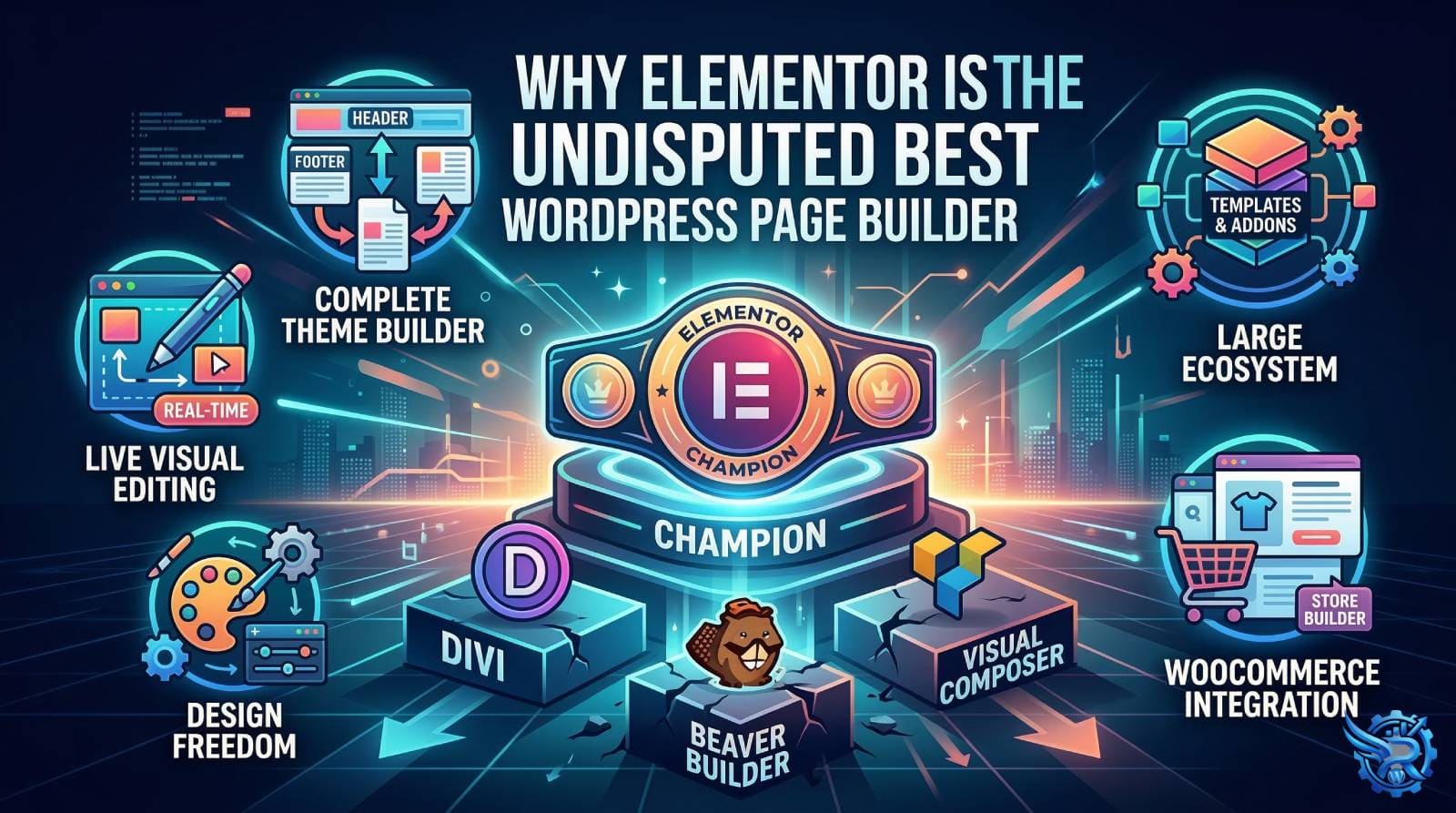
Building a unique, professional WordPress website used to require either extensive coding knowledge or the budget to hire a developer. Then came page builders, which changed the game. But as the market flooded with options like Divi, Beaver Builder, and Visual Composer, one name rose rapidly to the top: Elementor.
Currently powering millions of websites, Elementor isn’t just popular; it’s consistently rated as the best. But why? What makes Elementor superior to its competition? Let’s break down the key reasons why it should be your go-to design tool.
Superior User Experience and Real-Time Editing
Many older page builders rely on a backend interface or “backend editing with frontend preview” that is slow and clunky. Elementor, however, offers a flawless, 100% visual live editing experience.
You see exactly what your final page will look like as you build it. The drag-and-drop mechanics are fluid and intuitive. You don’t need to save and refresh to check your alignment; everything happens instantly. This saves an immense amount of design time.
The Revolutionary Theme Builder
This is where Elementor truly pulls away from most of its competitors. Elementor Pro isn’t just a page builder; it’s a complete site builder.
With its sophisticated Theme Builder, you can design your own custom headers, footers, archive pages (like your blog layout), single post layouts, and search result pages without writing a single line of PHP code. While other builders have tried to copy this, Elementor’s implementation remains the most intuitive and robust.
Design Freedom and Advanced Styling Options
Elementor provides pixel-perfect control over every element on your screen. While some builders offer basic styling, Elementor gives you advanced capabilities that rival professional design software. You get control over:
- Motion Effects & Lottie Animations: Add parallax scrolling, mouse tracking, and entry animations effortlessly.
- Custom Positioning: Absolute and Fixed positioning for elements.
- Custom CSS: You can add custom CSS directly to any widget or section (Pro feature) for that final custom touch.
An Unmatched Ecosystem and Template Library
No other page builder has an ecosystem as massive as Elementor’s. This means two things:
- Template Library: You get access to hundreds of professionally designed pages, blocks, and complete Template Kits that you can import with one click to jumpstart your project.
- Third-Party Addons: Because it’s the most popular builder, developers are constantly creating new addons. If a feature doesn’t exist in Elementor natively (which is rare), you can almost certainly find a third-party plugin (like Crocoblock or Essential Addons) that adds it.
Seamless WooCommerce Integration
If you are building an online store, Elementor Pro’s WooCommerce builder is a must-have. You can design your single product pages and product archives visually. You can custom-style the add-to-cart buttons, pricing tables, product grids, and even the checkout page. This allows for a level of branding consistency that is hard to achieve with generic WooCommerce themes.
Final Verdict: The Complete Package
While other page builders like Divi (known for its powerful styling) or Gutenberg (the native WordPress block editor) have their merits, none of them offer the complete, all-in-one package that Elementor does.
Elementor provides the perfect balance of ease of use for beginners, immense power for developers, an overwhelming library of resources, and cutting-edge design features that simply leave other builders in the dust.
Whether you are building a simple blog or a complex e-commerce site, Elementor is, without a doubt, the best tool for the job.